
Finished slides: nothing to retouch, nothing to translate
The slides come out ready to publish: text baked into the image in your language, format built for TikTok, compliance checked. You download and you post.
Your first carousel replication is freeNo credit card
From generation to publication, in 3 steps
Start for freeThe text lives inside the image, not on top of it
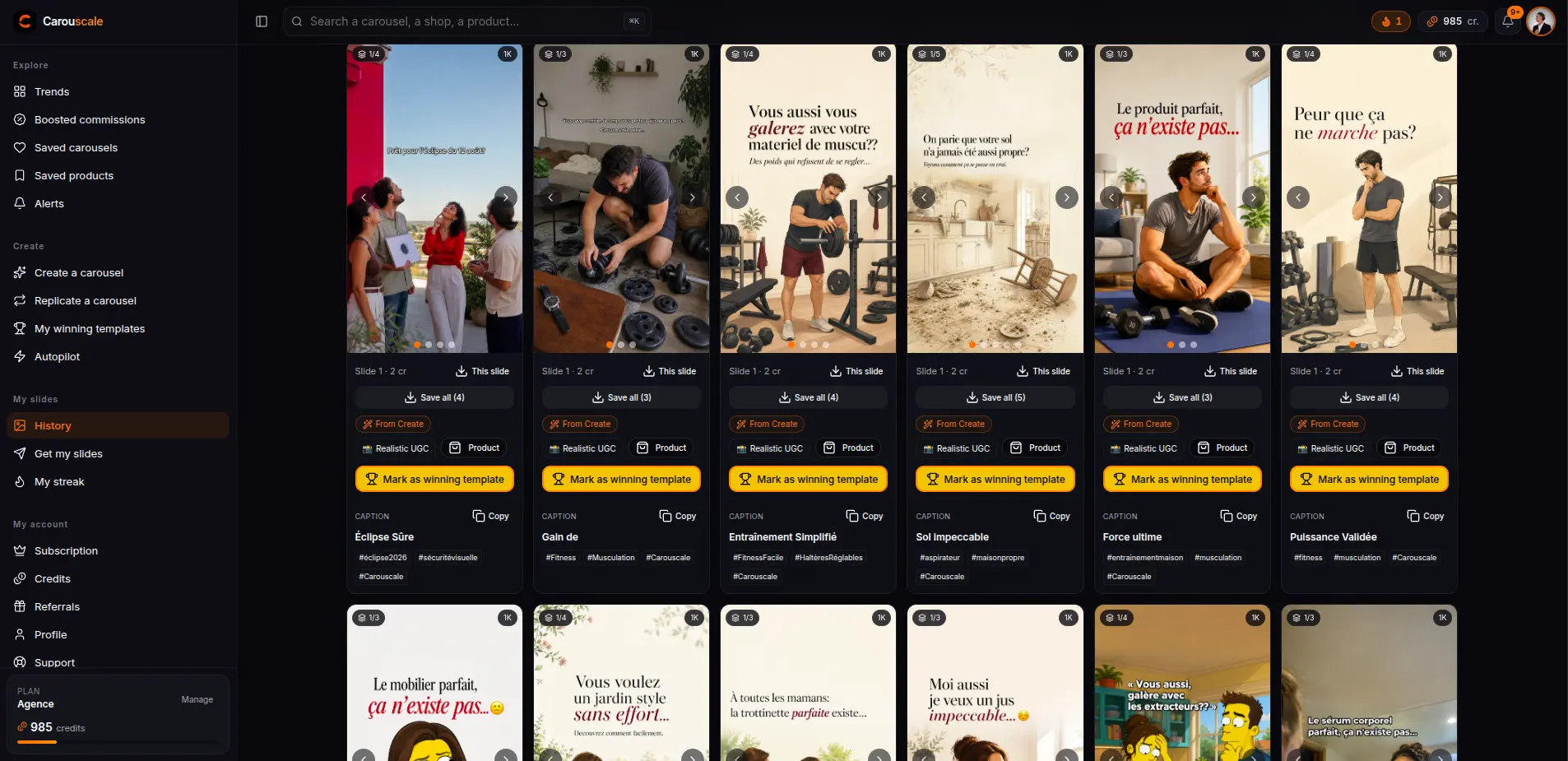
The text is generated natively inside the image, in your language and typo-free, as a TikTok-style subtitle caption: black on white or white on black, picked automatically from your slides for maximum legibility, with or without emoji. No layer to reposition, no font to pick, no translation pass to run afterwards.
Three formats, three uses
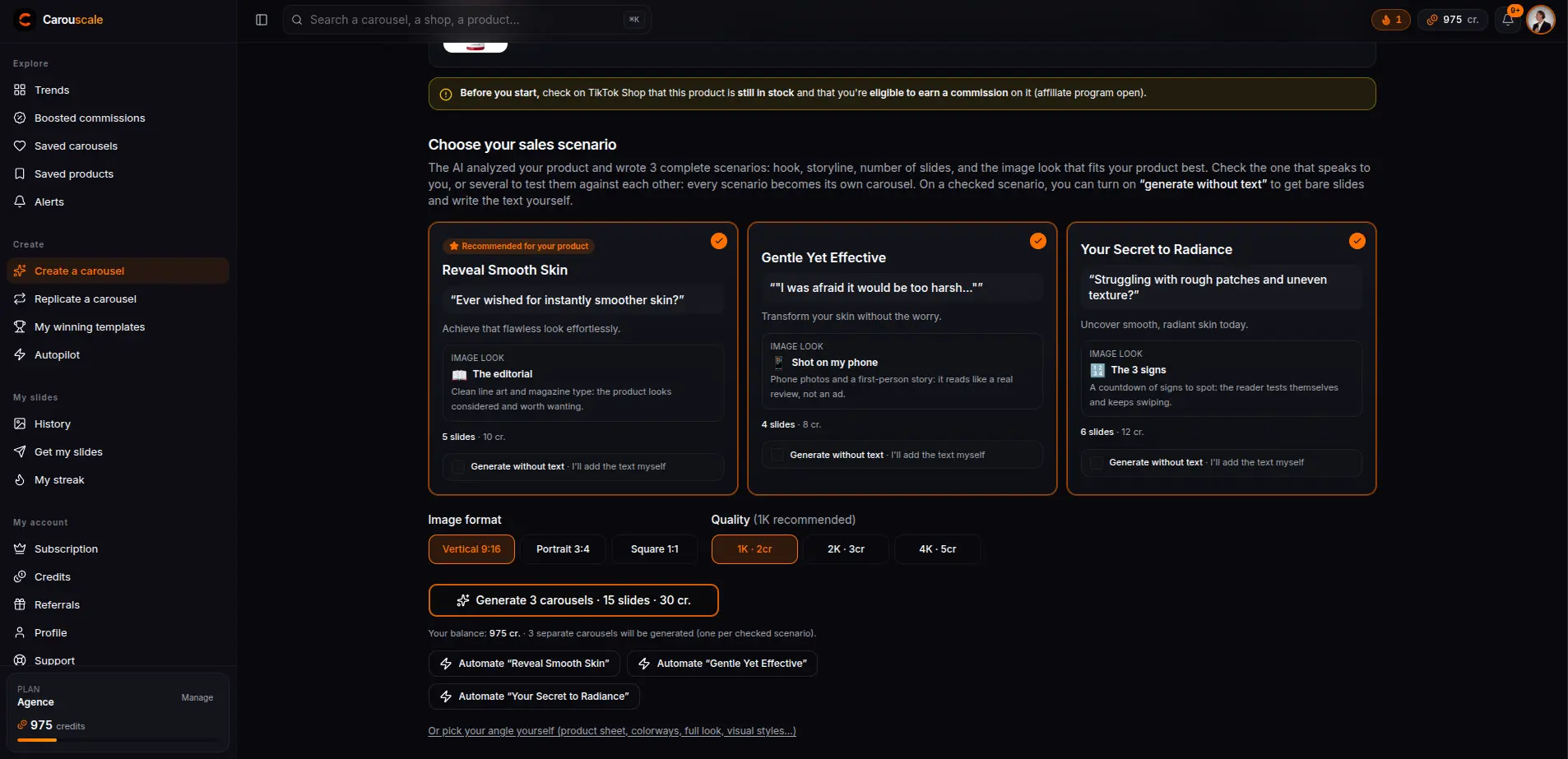
Full-screen vertical 9:16 for classic immersion. 3:4 portrait (1080 x 1440) that TikTok shows uncropped in the feed. 1:1 square with a baked-in title and subtitle, the infographic look that stands out in TikTok search. You pick the format, the text and the layout follow.
Your face if you want, never if you don't
Add a selfie and the AI puts you on the slides where a person appears, for an authentic creator feel. Or stay 100% faceless: the carousel is the faceless format par excellence, no option forces you to show yourself or film anything. You can also add up to 3 extra product photos (colorways, details, in-context shots) to vary the slides.
The last mile: the arrow and compliance
The last slide gets a styled arrow pointing at the TikTok Shop cart, right where the click happens. And every generation goes through the compliance guardrails: copy filtered against forbidden claims (health, before/after), never a minor, a celebrity or suggestive content on your slides. Enough to publish without fearing moderation, whatever angle you pick in the Create studio.
Frequently asked questions
- Do the generated slides belong to me?
- Yes. You download the images and publish them on your TikTok account, in HD as soon as you subscribe.
- What language is the text written in?
- Your language, generated natively inside the image and typo-free, as a TikTok-style subtitle caption: black on white or white on black, picked automatically from your slides for maximum legibility, with or without emoji.
- Which format should I pick for TikTok?
- Full-screen vertical 9:16, 3:4 portrait (1080 x 1440) that TikTok shows uncropped in the feed, or 1:1 square with a baked-in title and subtitle, the infographic look that stands out in TikTok search.
- Do the slides respect the TikTok Shop rules?
- The copy is filtered against forbidden claims (health, before/after) and the images respect the TikTok Shop rules: never a minor, a celebrity or suggestive content on your slides, even in baby care or toys.
Explore the other features
- TrendsThe TikTok Shop carousels past 5,000 views, across 6 markets.
- ReplicateRecreate a winning carousel with your product, in one click.
- Create studio3 ready-to-generate sales scripts from a product link.
- AutopilotCarousels generated on their own, delivered by email or Telegram.
- Niche alertsThe new carousels buzzing in your niche, straight to your inbox.
Judge the output for yourself
Your first replication is free when you sign up: paste the link of a carousel that is blowing up and watch the slides come out finished, text baked in, in your language.